Your Fransat decoder displays a black screen, is stuck on the logo, or can no longer find any TNT channels via satellite. Before contacting a technician or replacing the box, a well-executed reset resolves the vast majority of these blockages. However, it is essential to apply the correct method based on your situation, as a simple restart is not always sufficient.
PC6 card and power cut: the real starting point before any reset
Many users directly initiate a reset from the decoder’s menu. In some cases, this step does not resolve anything, especially if the blockage is related to the PC6 access card (the new generation of Fransat cards). The problem often stems from a conflict between the decoder’s firmware and the inserted card, rather than a typical software bug.
The procedure recommended by several antenna technicians follows a specific order:
- Turn off the decoder and physically remove the PC6 card from its slot.
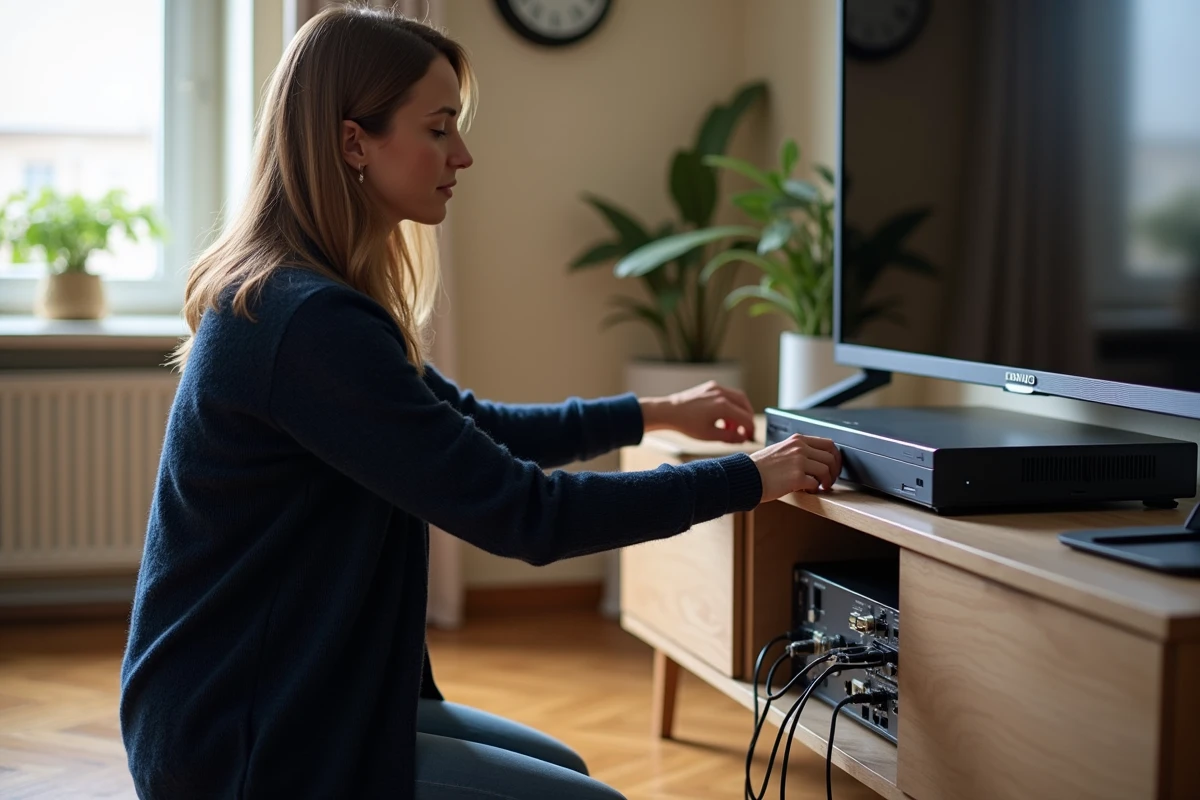
- Unplug the power cable from the box (not just put it on standby via the remote) and wait at least three minutes.
- Reconnect the decoder, wait for it to start completely, then reinsert the PC6 card.
- Then, initiate a complete channel search from the installation menu.
This sequence forces the decoder to read the card as if it were discovering it for the first time. It is particularly useful when you have received a PC6 card to replace an old card and the decoder refuses to recognize it. If you are looking for a solution to reset a Fransat decoder after changing the card, start here before any further manipulation.
Factory reset of the Fransat decoder: accessing the correct menu
When removing the card and cutting the power have not been sufficient, restoring factory settings becomes necessary. This operation erases all your preferences (favorites list, channel order, custom PIN) and restarts the initial installation process.
Accessing the menu on most models
Turn on the television, then the decoder. Open the main menu with the box’s remote control. Navigate to the section often named “Advanced,” “System,” or “Installation” depending on the manufacturer. The option is usually called “Factory Settings” or “Factory Reset”.
The decoder will then ask you for a PIN. If you have never changed it, try the default code for your model (often 0000 or 1234). Have you forgotten your custom code? The universal Fransat unlock code is 2004. Enter it to force the reset.
What happens after validation
The decoder automatically restarts and displays the first installation screen. It asks you for the language, country, and then starts a satellite scan. Ensure that the coaxial cable is properly connected to your satellite dish before this step; otherwise, the channel search will fail.
The scan lasts a few minutes. Once completed, the free TNT channels via satellite (France 2, France 3, Arte, etc.) reappear in their default order.
Blockages after power cuts: why the menu is unresponsive
Micro power cuts, common in rural areas, cause a specific type of blockage. The decoder shuts down abruptly during a memory write, and upon restarting, the firmware ends up in an intermediate state. The result: the menu no longer displays or the box restarts in a loop.
In this situation, the menu reset is inaccessible. The only option is to perform what technicians call a “clean” reset:
- Unplug the decoder from the power for at least five minutes (some antenna technicians recommend ten minutes for older models).
- Reconnect it while holding down the physical reset button located on the box (a small hole accessible with a paperclip on most models). Keep pressing for about ten seconds after plugging it back in.
- If the decoder does not have a physical reset button, the prolonged power cut remains the only recourse before contacting the manufacturer’s customer service.
To limit these incidents in the future, connecting the decoder to a UPS or surge protector power strip effectively protects the box against surges and brief power cuts.
CI+ Fransat module integrated into the television: the alternative that eliminates the problem
Have you reset your decoder several times and the blockages keep returning? The issue may come from the box itself, especially if its firmware is no longer updated by the manufacturer. Some recent televisions compatible with DVB-S2 with CI+ Fransat module allow you to receive TNT via satellite without an external decoder.
The principle is simple: you insert a CI+ module and your Fransat card directly into the slot provided on the television. The built-in satellite tuner does the work of the decoder. This configuration eliminates one link in the chain and reduces the risks of crashes related to the firmware of a separate box.
Before investing, check that your television bears the Fransat label or that it includes a compatible DVB-S2 tuner. Several Hisense models and other brands offer this feature. The CI+ module can be found at specialized satellite and dish retailers.
Whether you opt for the classic reset or switch to the CI+ module, the key is not to skip steps. Remove the card, cut the power, wait, then properly restart the channel search: this methodical sequence avoids most customer service calls and restores the satellite TNT signal in just a few minutes.