Accessing your online client area securely is essential to protect your banking information. Make sure to use a complex password that combines letters, numbers, and special characters. It is also recommended to change this password regularly.
Prioritize two-factor authentication, an additional security measure that requires a second verification, often via a code sent to your phone. Avoid logging in from public Wi-Fi networks; prefer a private connection to ensure the confidentiality of your data.
Essential security measures for accessing your online client area
To ensure a secure connection to your banking client area, several security measures must be followed. First, always use a strong password made up of a combination of letters, numbers, and special characters. Regularly change this password to limit the risk of fraud.
Strong authentication, implemented in accordance with the European Payment Services Directive (PSD2), is another essential barrier. This process requires at least two authentication elements from three possible options: something you know (password), something you possess (mobile phone), and a personal characteristic (fingerprint). Banks, card networks, and banking regulators have all adopted this measure to enhance the security of online transactions.
Recommended practices
- Use a chip card reader or a code-generating device for increased security.
- Enable biometric verification on your banking mobile app for more secure access.
- Opt for receiving unique codes sent via SMS for each login or transaction.
To access your client area via Cmut Direct, always prioritize a secure connection. Avoid public Wi-Fi networks, which are often less secure, and prefer a private connection. Private browsing on your browser can add an extra layer of security.
Verification technologies
Banks offer various client authentication devices, such as mobile apps and chip card readers. Biometric verification, including fingerprint, facial, and voice recognition, is becoming increasingly common. These technologies limit the risks of identity theft and effectively protect your data.
Using these security measures and technologies is essential to ensure a secure connection to your online client area.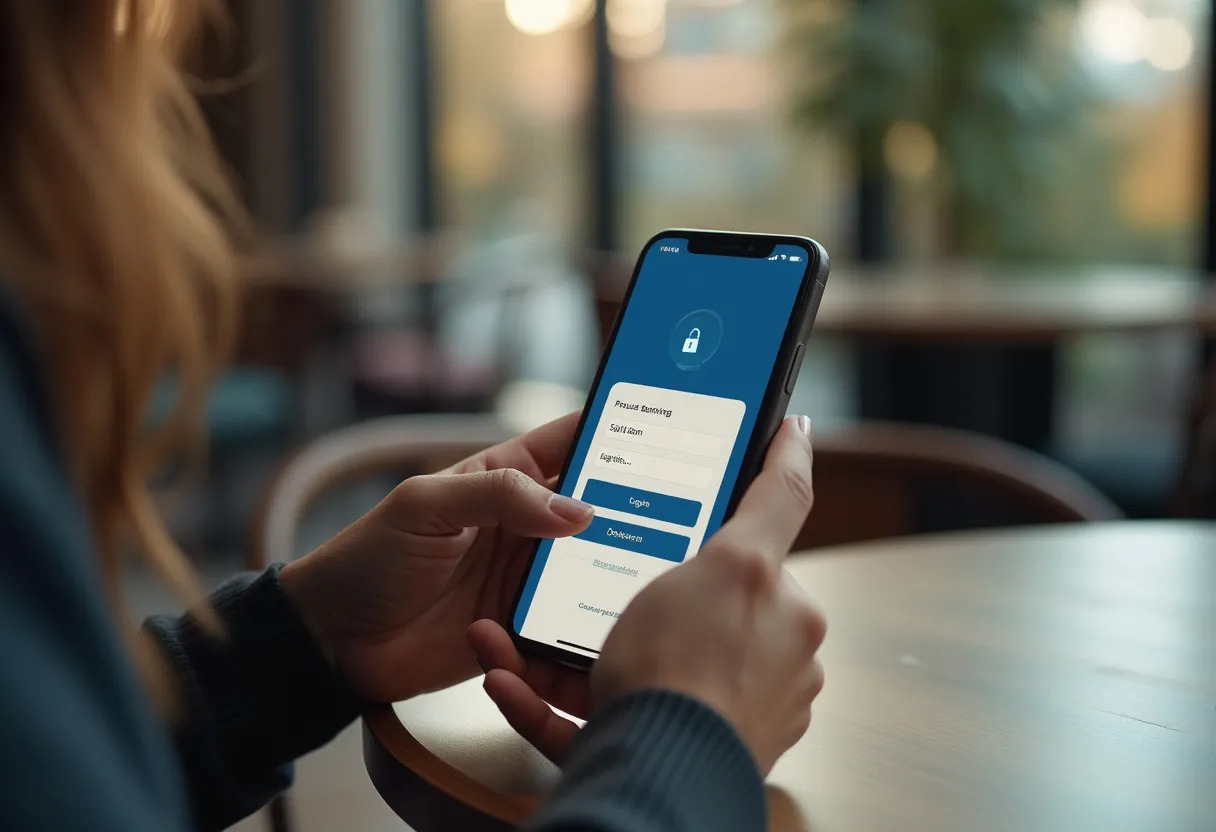
Best practices to protect your banking information
To avoid any compromise of your banking data, several best practices should be followed. First, install a firewall, anti-virus, and anti-spyware software on your computer. These tools are essential to prevent intrusions and malware that could steal your personal information.
Using private browsing during your banking transactions provides an additional barrier against cybercriminals. This feature, available on most browsers, prevents the storage of your browsing history and login data.
Avoid phishing and pharming
Phishing and pharming pose serious threats to your banking information. Phishing is characterized by fraudulent emails that invite you to log into your online banking site. Be wary of unsolicited emails requesting personal information or urgent actions.
- Never click on links contained in suspicious emails.
- Always check the URL of the site before entering your credentials.
Pharming, on the other hand, redirects access to a website to a fraudulent site through the installation of a virus. To protect yourself, keep your software up to date and use anti-pharming filters integrated into your browsers.
Report scam attempts
In the event of a scam attempt, it is important to react quickly. The Ministry of the Interior allows you to report any scam or attempted scam via the Reporting Website. This system enables authorities to take action against cybercriminals and secure online exchanges.