You are preparing a trip and you are asked for a photocopy of your passport. The classic reflex: place the document open on the photocopier glass and press the button. The problem is that not all pages hold the same value in the eyes of a consulate, an airline, or a hotel. Reproducing the wrong page, or forgetting a technical area, can block an entire process.
MRZ Zone of the Passport: the strip that machines read before you do
The most useful part of your passport is not visible to the naked eye. At the bottom of the identity page (the one with your photo), two lines of characters made up of letters, numbers, and chevrons form the MRZ (Machine Readable Zone). This strip contains your name, your date of birth, your nationality, and the expiration date of the document, all encoded to be read by automatic scanners.
Why is this crucial for a photocopy? Because automated checks, especially at U.S. airports via the Mobile Passport Control system, prioritize checking this zone. Reports of boarding denials have increased when the provided photocopy did not render the MRZ readable by optical readers. A copy that is too dark, cropped, or folded at these lines becomes unusable.
Before knowing which page to photocopy from the passport, remember this principle: if the MRZ is not clear on your copy, start over. Adjust the contrast of the photocopier or scanner so that each character stands out clearly from the background.
Passport Pages to Photocopy According to Destination
Not all countries require the same pages. Confusing the requirements of an Indian visa with those of a European hotel is the best way to provide an incomplete file.

Identity Page with Photo
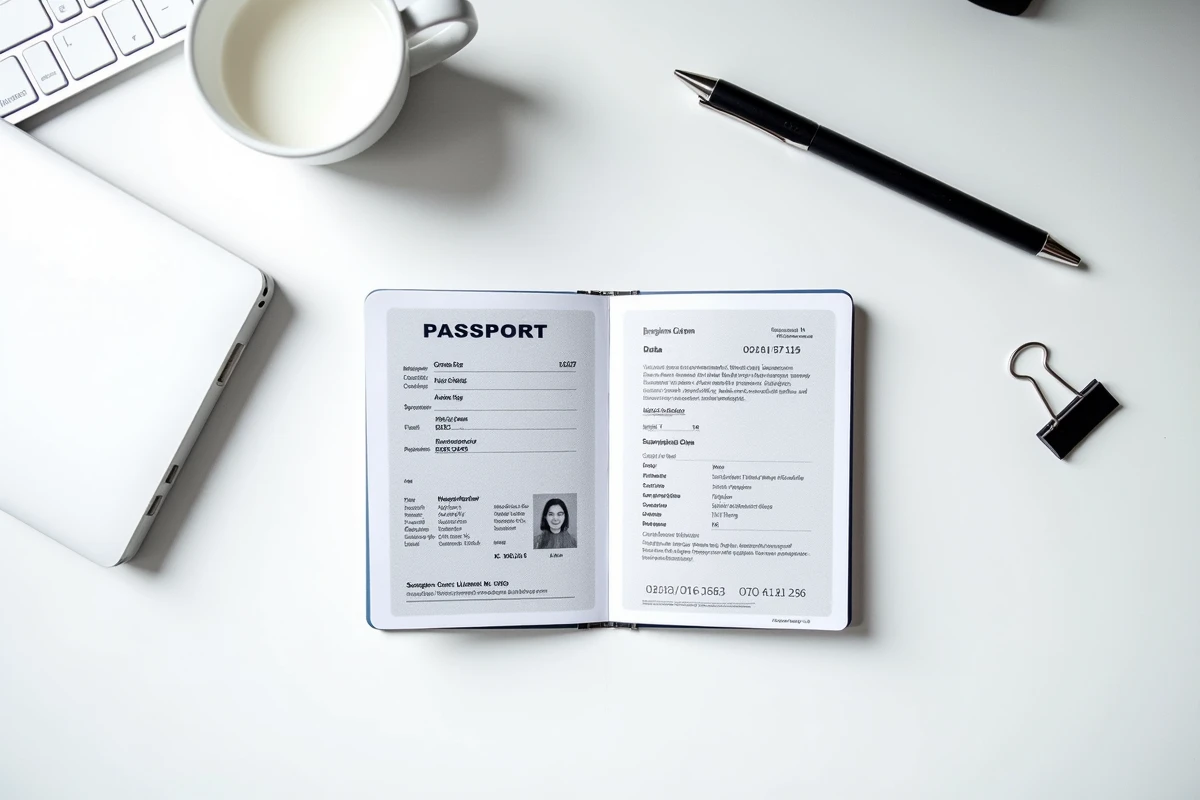
This is the mandatory page in almost all cases. It appears at the beginning of the passport and contains your photo, your signature, your personal data, and the MRZ zone. For an ESTA application to the United States, the digital scan of this page via a mobile app tends to replace the paper photocopy, with automatic MRZ recognition speeding up approvals.
Visa Pages and Entry Stamps
For destinations like Brazil or India, the pages with valid visas must be copied. Some consulates also require the reproduction of entry and exit stamps from previous trips to verify travel history. Copy each relevant page individually, front only, without cropping the edges.
Remaining Blank Pages
Some embassies require proof that there are available pages for a new visa. In this case, a copy of one or two blank pages is sufficient. Always check the specific conditions of the relevant consulate before sending your file.
Here are the pages to prepare according to the most common situations:
- Hotel, rental, or identity proof: identity page with photo and MRZ only
- Visa application for a country outside the Schengen area: identity page, pages with active visas, pages with recent stamps
- Travel insurance file or flight declaration: identity page, and if possible, the page with the entry stamp for the relevant country
Paper Photocopy or Digital Scan: What Remains Valid in 2025
In the Schengen area, passport photocopies are losing ground. The European digital identity (eID) already allows proving one’s identity without paper documents in several administrative contexts. The rollout of the French digital wallet fits into this logic: the eID makes photocopying optional for certain national procedures.
But this transition does not apply to all situations. Outside the European Union, photocopying remains the default backup format. In case of theft or loss of a passport in Brazil, India, or most Southeast Asian countries, it is the paper copy or the scan stored on your phone that speeds up procedures with the French consulate.
Senior Travelers and the Risk of Digital Non-Compliance
Do you not use a mobile app to store your documents? This profile concerns a significant portion of travelers. Without a digital copy or mastery of the eID, the paper photocopy remains the only safety net in case of problems abroad.
The risk of non-compliance is twofold. On one hand, automated kiosks at borders (especially in the U.S.) no longer accept blurry photocopies. On the other hand, online procedures for replacing passports assume digital access that not everyone possesses. Keeping a clear paper copy in a bag separate from the original passport remains the most reliable precaution for this profile.
Common Mistakes That Render a Passport Photocopy Unusable
Photocopying your passport takes two minutes. Obtaining a truly usable copy requires a bit more attention.
- Copying the double page open in one go: the central fold creates a shadow area that renders the MRZ unreadable. Copy each page separately
- Reducing the format to fit everything on an A4 sheet: reduction alters the size of the MRZ characters, making them non-compliant with optical readers
- Using paper that is too thin or a smudgy ink printer: a sufficiently dense weight and laser printing ensure clarity
- Forgetting to check the expiration date visible on the copy: a copy of an expired passport is useless for a visa application
A passport copy does not need to be certified in most cases. However, the town hall can stamp it if an organization requires it, especially for insurance procedures or a birth certificate abroad. Check with the relevant service before going there.
The correct passport copy is the one that reproduces the identity page with a perfectly readable MRZ, suitable for the requirements of your destination. Keep a paper version in a separate bag and a digital version on your phone. The day your passport disappears on the other side of the world, this two-minute precaution changes the course of your trip.